How to organize leads, customers, and business relationships without chaos
As small businesses grow, one problem appears almost immediately:
Information becomes scattered.
Customer conversations live inside email.
Leads are forgotten.
Follow-ups get delayed.
Sales opportunities disappear.
At first, this may seem manageable.
But eventually, businesses realize they need structure.
This is where CRM systems become essential.
A CRM (Customer Relationship Management system) helps businesses organize:
- leads,
- prospects,
- clients,
- communication history,
- and sales pipelines.
More importantly, it becomes the central database of the business ecosystem.
Why Small Businesses Need CRM Systems
Without a CRM, businesses often rely on:
- memory,
- spreadsheets,
- inboxes,
- sticky notes,
- disconnected tools.
This creates:
- missed opportunities,
- inconsistent communication,
- poor follow-up,
- and operational confusion.
A CRM provides visibility and structure.
What a CRM Actually Does
A CRM helps businesses:
- track potential customers,
- organize communication,
- automate follow-ups,
- monitor sales pipelines,
- and centralize business data.
Think of it as:
the operational memory of your business.
Typical CRM Workflow
Lead Inquiry
↓
Lead Added to CRM
↓
Follow-Up Sequence
↓
Consultation / Proposal
↓
Customer Conversion
↓
Ongoing Relationship Tracking
Core CRM Categories
Most businesses organize contacts into stages.
1. Prospects
People who have shown initial interest.
Examples:
- website inquiries,
- networking contacts,
- referrals.
2. Leads
Qualified opportunities actively considering your services.
3. Clients
Current paying customers.
4. Past Clients
Customers who may:
- return,
- refer others,
- or purchase additional services.
Step 1: Choose the Right CRM

Different CRMs fit different business sizes and workflows.
CRM Comparison Chart
|
CRM
|
Best For
|
Pros
|
Cons
|
|---|---|---|---|
Recommended by Business Stage
|
Business Stage
|
Recommended CRM
|
|---|---|
Step 2: Organize Your Sales Pipeline
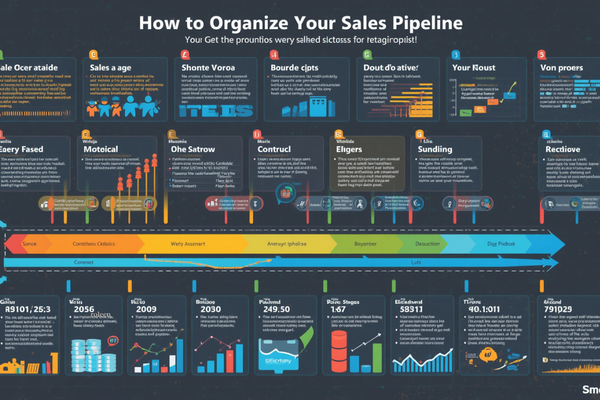
A sales pipeline helps businesses visualize opportunities.
Example pipeline:
New Inquiry
↓
Qualified Lead
↓
Proposal Sent
↓
Negotiation
↓
Won Client
This allows businesses to:
- track progress,
- forecast revenue,
- and improve follow-up consistency.
Step 3: Automate Follow-Ups

Many businesses lose leads simply because nobody follows up consistently.
CRM systems can automate:
- reminder emails,
- meeting scheduling,
- follow-up tasks,
- status updates.
Example Automation Workflow
Website Form Submitted
↓
Lead Added to CRM
↓
Automatic Welcome Email
↓
Sales Task Created
↓
Follow-Up Reminder Scheduled
This reduces manual work significantly.
Step 4: Connect CRM to the Business Ecosystem
A CRM works best when connected to:
- website forms,
- email marketing,
- invoicing systems,
- scheduling tools,
- automation platforms.
Recommended Integrations
|
Function
|
Tool
|
|---|---|
Step 5: Use CRM Data Strategically
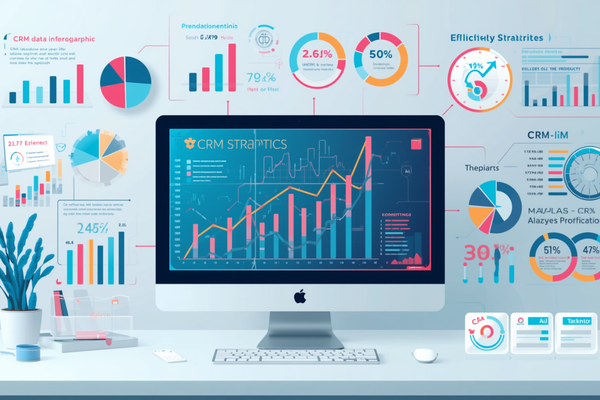
CRM systems are not just storage systems.
They help businesses analyze:
- lead sources,
- sales performance,
- conversion rates,
- customer trends.
This improves decision-making.
Step 6: Avoid Overcomplicating CRM Early
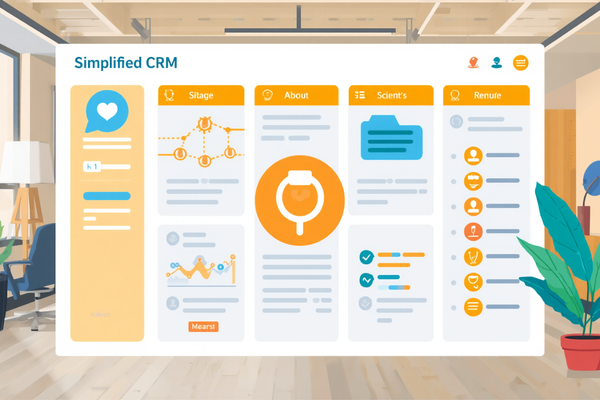
One of the biggest mistakes small businesses make is implementing overly complex systems too early.
Start simple.
Focus on:
- organized contacts,
- basic pipelines,
- follow-up consistency.
Complexity can come later.
AI + CRM: The Emerging Trend
AI is beginning to improve CRM workflows dramatically.
AI can help with:
- summarizing meetings,
- drafting emails,
- lead scoring,
- sales forecasting,
- customer insights.
This allows small businesses to operate more intelligently with smaller teams.
Final Thought
CRM systems are no longer optional for growing businesses.
They are foundational infrastructure.
The businesses that grow sustainably are usually not the ones with the most activity.
They are the ones with:
- the best visibility,
- the clearest systems,
- and the strongest organization.
A CRM helps transform a business from:
scattered operations
into:
structured relationships and scalable growth.