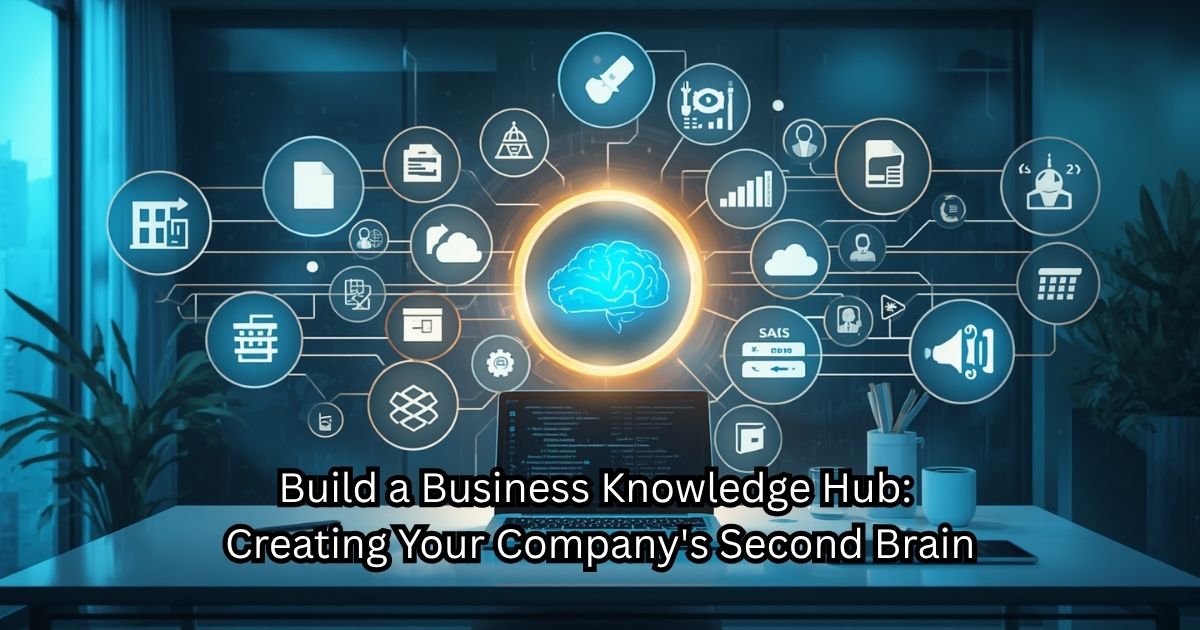
GMBS Playbook Chapter 10- Build Your Business Operating System
How to Connect Your CRM, SOPs, AI, Marketing, Finance, and Operations into One Integrated Business Ecosystem
Why I think this chapter matters
Most small businesses buy software one application at a time.
- CRM
- Accounting
- Project management
- Marketing
- Scheduling
- Inventory
- Customer support
Each solves one problem.
Very few business owners stop to ask:
“How should these systems work together?”
That is where GMBS becomes different.
We’re no longer teaching software.
We’re teaching business architecture.
This also connects beautifully with your original vision for GMBS from months ago:
Business Ecosystem
I still remember that conversation because it was one of the first times you said:
“I don’t just want a blog. I want people to understand how everything connects.”
This chapter finally delivers that.
Opening Story
Instead of another “owner overwhelmed” story, I’d write about this:
A manufacturing company uses:
- QuickBooks
- HubSpot
- Monday.com
- Google Drive
- Mailchimp
- ChatGPT
- Calendly
- Microsoft 365
Eight excellent tools.
None of them communicate.
Employees manually copy information between systems.
Data is entered four times.
Invoices are delayed.
Marketing doesn’t know what Sales is doing.
Customer Service doesn’t know project status.
Management lacks real-time visibility.
The business doesn’t have a software problem.
It has an ecosystem problem.
The Hidden Problem
Many businesses automate individual tasks.
Few automate the flow of information.
That’s the difference between owning software…
…and owning a Business Operating System.
The Mindset Shift
Instead of asking:
“Which software should I buy?”
Ask:
“How should information flow through my company?”
That’s a completely different question.
What Is a Business Operating System?

Not software.
A connected way of running the business.
The Five Layers
Leadership
↓
Marketing
↓
Sales (CRM)
↓
Operations (SOPs)
↓
Finance
All connected through shared information.
Core Systems Every Business Needs

- Marketing
- CRM
- Project Management
- Accounting
- Knowledge Base
- AI
- Communications
- Reporting Dashboard
Data Should Only Be Entered Once
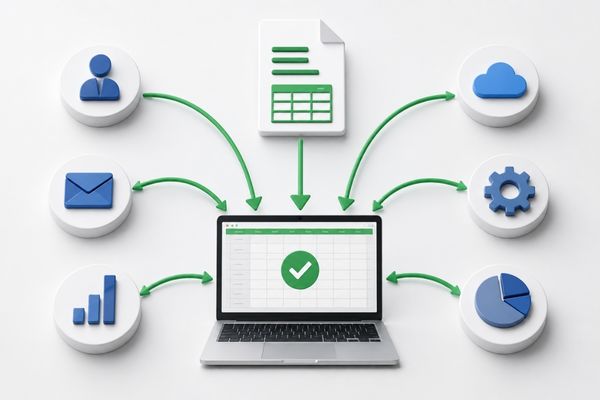
One of the biggest productivity lessons.
Customer enters information once.
Every connected system receives it.
Automating Information Flow
Examples:
Website
↓
CRM
↓
Proposal
↓
Invoice
↓
Project
↓
Customer Portal
↓
Feedback
↓
Email Marketing
That single diagram could become one of the signature visuals on GMBS.
AI Corner
Instead of replacing people…
AI becomes the glue between systems.
Examples:
- Meeting summaries automatically added to CRM.
- Invoices generated from completed projects.
- Customer emails categorized.
- Dashboards summarized.
- SOP recommendations.
- Knowledge searches.
- Executive reports.
Common Mistakes
Buying tools before defining processes.
Duplicating data.
Overcomplicating automation.
No ownership.
Too many disconnected apps.
30-Day Action Plan
Week 1
Map every software application.
Week 2
Draw how information currently flows.
Week 3
Identify duplication.
Week 4
Automate one workflow.
GMBS Action Challenge
Draw your business on one page.
Don’t draw departments.
Draw information flow.
You’ll probably discover your biggest bottlenecks immediately.